DiagramWatcher
Easily “watch” all of the systems in your Drake simulation using the
DiagramWatcher
!
Summary
The DiagramWatcher is a class that can be used to easily log and plot data in a Drake simulation.
Example Usage
A full example is shown in the examples/watcher directory of the repository, but a partial example snippet is:
def main():

    # Building Diagram
    time_step = 1e-3
    builder = DiagramBuilder()

    # Add your systems here...

    # Add Watcher and Build
    watcher, diagram, diagram_context = add_watcher_and_build(
        builder,
        plot_arrangement=PortFigureArrangement.OnePlotPerDim,
        figure_naming_convention=FigureNamingConvention.kHierarchical,
        file_format="svg",
    )
That’s it! Whenever the program ends, the DiagramWatcher will:
Save the raw data of the signals produced by your simulation over time in the DiagramWatcher’s
raw_datadirectory, andPlot the signal data in figures, for all of the signals that the DiagramWatcher can find*.
*By “all of the signals that the DiagramWatcher can find”, we do not mean all of the signals in your simulation.
The DiagramWatcher will only log signals in the diagram that:
Come from
kVectorValuedoutput ports,Come from
AbstractValueoutput ports whose underlying type is +RigidTransform, +bool, or +list[T]whereTis one of the above types (i.e.,RigidTransform,bool, etc.).
To learn more about this type, read about the PortDataType and OutputPort objects in Drake’s documentation.
Easily Log Your Diagram’s Signals
It is recommended that you use the convenience function add_watcher_and_build() to add a
DiagramWatcher to your diagram.
# Drake imports
from pydrake.all import (
    DiagramBuilder, Simulator,
)
# All your other imports

from brom_drake.all import add_watcher_and_build

# Create a diagram builder
builder = DiagramBuilder()

# Add and connect your systems...

# Add the watcher and build the diagram
watcher, diagram, diagram_context = add_watcher_and_build(builder)

# Set up simulation
simulator = Simulator(diagram, diagram_context)
simulator.set_target_realtime_rate(1.0)
simulator.set_publish_every_time_step(False)

# Run simulation
simulator.Initialize()
simulator.AdvanceTo(15.0)
What will happen whenever you use this function is that:
- The
DiagramWatcherwill be created. It will search through all systems that the
DiagramBuilderhas added.For each system, the watcher will add a
VectorLoggerto each output port that is akVectorValuedport.The
DiagramWatcherwill connect all loggers to all targeted ports (in the above case, we will target all available output ports).
- The
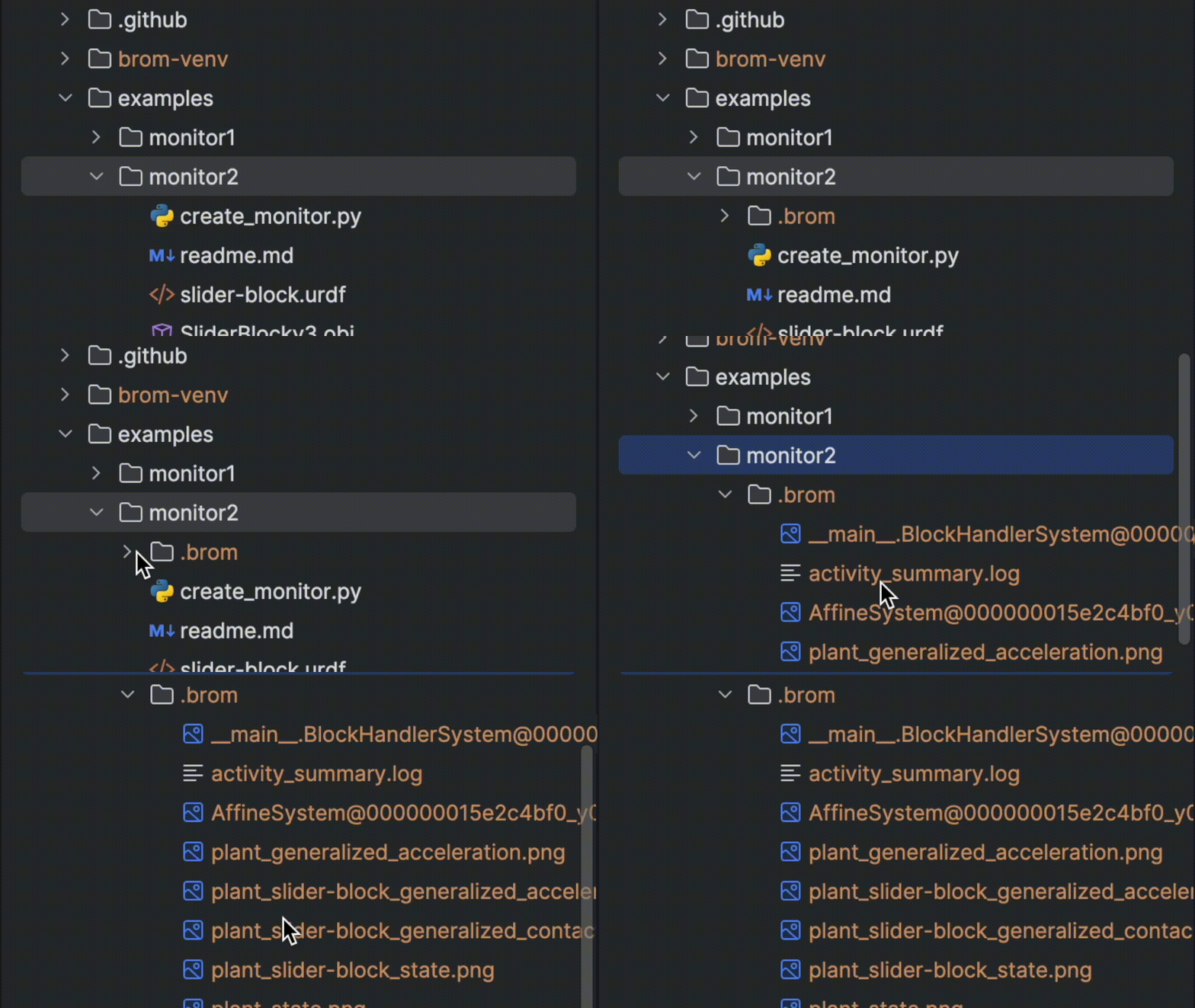
After the simulation is run and the script completes, the watcher will save all data traces for each port in .png files. These plots will be in a new
bromdirectory.
Watching Specific Systems
If you only want to watch a specific system, then you can do so by passing in information to the “targets” argument:
watcher, _, _ = add_watcher_and_build(
    builder,
    targets=[
        ("system_name", "port_name"),
        "system_name2",
    ],
)
The above code tells the watcher to watch the port named port_name on the system named system_name. (If you don’t know your system’s name in Drake, then you can usually find it by using the get_name() method.)