“Drakeify”-My-URDF
Take a URDF file from the wild and convert it into something that Drake can use with the
DrakeReadyURDFConverter
!
Summary
The class DrakeReadyURDFConverter can be used to automatically create a URDF file for any Drake model.
We recommend using the convenience method drakeify_my_urdf() to quickly create a Drake-compatible URDF; it will internally
use the DrakeReadyURDFConverter class.
Example Usage
A full example is shown in the examples/conversion directory of the repository, but a partial example snippet is included here:
from brom_drake.file_manipulation.urdf.drakeify import drakeify_my_urdf

def main():
    # Setup
    urdf_file_path = str(
        impresources.files(robots) / "models/ur/ur10e.urdf"
    )

    # Convert the URDF
    new_urdf_path = drakeify_my_urdf(
        urdf_file_path,
        overwrite_old_logs=True,
        log_file_name="drakeify-my-urdf1.log",
    )
In this example, we import the drakeify_my_urdf() function and use it to convert a URDF file located at urdf_file_path into a Drake-compatible URDF file.
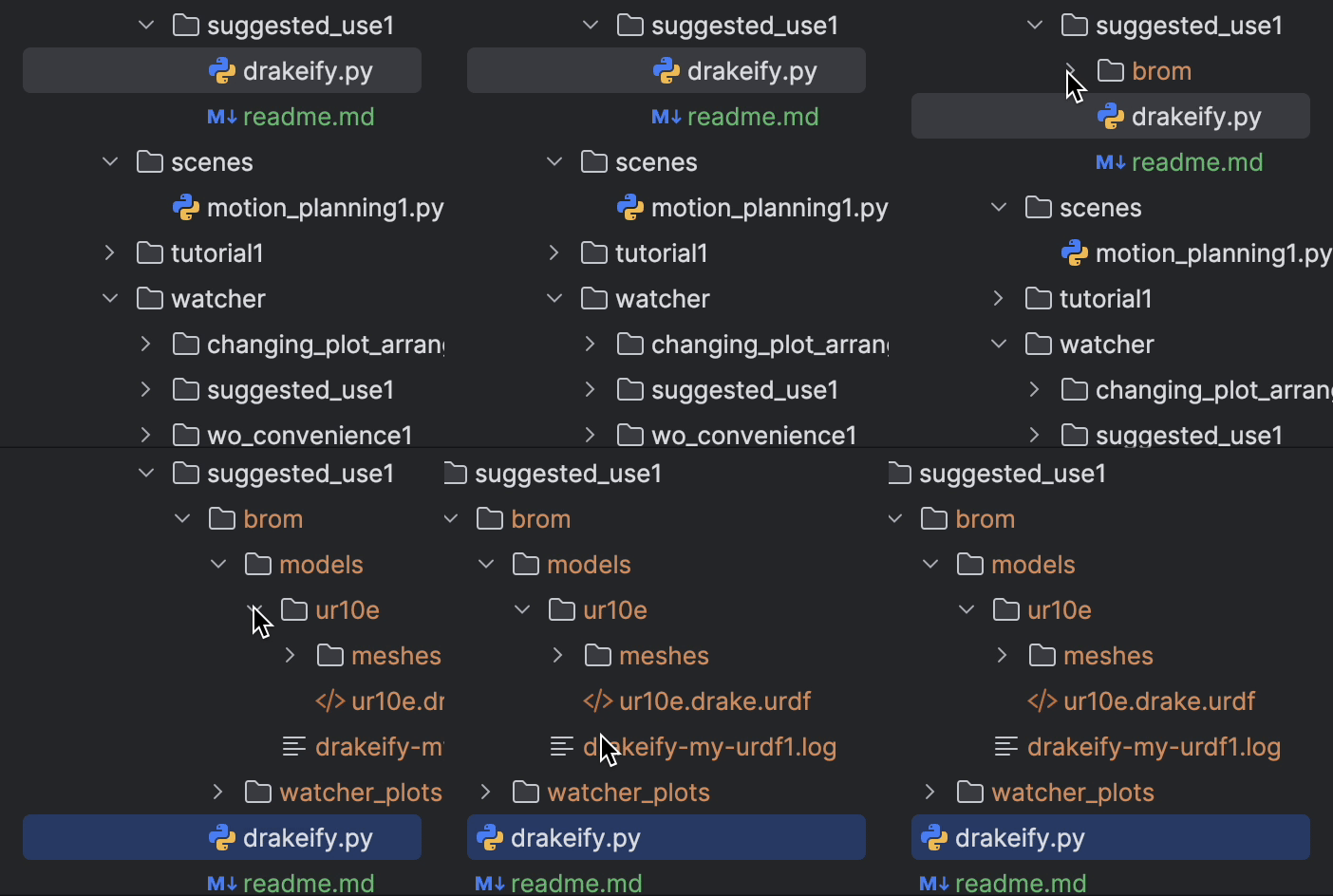
The converted URDF file path is stored in new_urdf_path and the conversion process is logged in drakeify-my-urdf1.log.
That’s it! You have successfully converted a URDF file into a Drake-compatible URDF file using the DrakeReadyURDFConverter class via the drakeify_my_urdf() function!
There are some additional options that you can use to make more useful meshes during the conversion process. One such option is an option which allows you to specify the desired mesh format for the converted URDF file.
Consider this code snippet:
from brom_drake.file_manipulation.urdf.drakeify import drakeify_my_urdf
from brom_drake.file_manipulation.urdf.drake_ready_urdf_converter.converter import (
    MeshReplacementStrategy,
)

def main():
    # Setup
    urdf_file_path = str(
        impresources.files(robots) / "models/erlenmeyer_flask/500ml.urdf"
    )

    # Convert the URDF
    new_urdf_path = drakeify_my_urdf(
        urdf_file_path,
        overwrite_old_logs=True,
        log_file_name="drakeify-my-urdf1.log",
        # For you (yes, you!): Comment out the line below, to see what the default collision mesh looks like
        collision_mesh_replacement_strategy=MeshReplacementStrategy.kWithConvexDecomposition,
    )
In this example, we specify the option collision_mesh_replacement_strategy to use convex decomposition when creating collision meshes for the converted URDF file.
This is important when trying to create URDFs for objects that are non-convex in shape.
In case you did not know, most simulators will replace a single body with a non-convex shape WITH ITS CONVEX HULL during collision checking.
If you want to have more accurate collision checking, then using convex decomposition is a great way to achieve that!
This often requires breaking up your single non-convex body into multiple convex bodies, which is what convex decomposition flag does for you here.
Again, examples of this use case can be found in the examples/conversion directory of the repository.